
Installing the Memberships Add-On
Memberships is a paid add on, available to Micro plans and above.
- To add Memberships to your CRM, head to Tools & Settings > App Store.
- Select Memberships from the options and click Install.
Once you have installed this feature, there are 4 steps to complete before you can begin to use the membership add on to enrol new members.
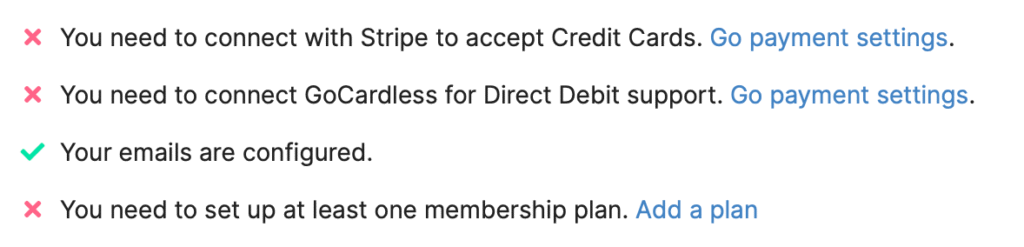
Your email template should already be configured – head back to the Email Settings section of this course if not!