Installing the Fundraising Suite
Fundraising suite includes features to handle both individual giving and manage grant applications. Your income from both sources can be linked to your fundraising campaigns.
Each fundraising campaign can then link off to a programme, project or event in the CRM, allowing you to track the whole journey from the point a supporter gives, to the impact their donation has.
Fundraising is a paid Add On for Personal and Micro plans. It’s included as standard, with no additional charge for Pro and Teams accounts.
Installing Donations
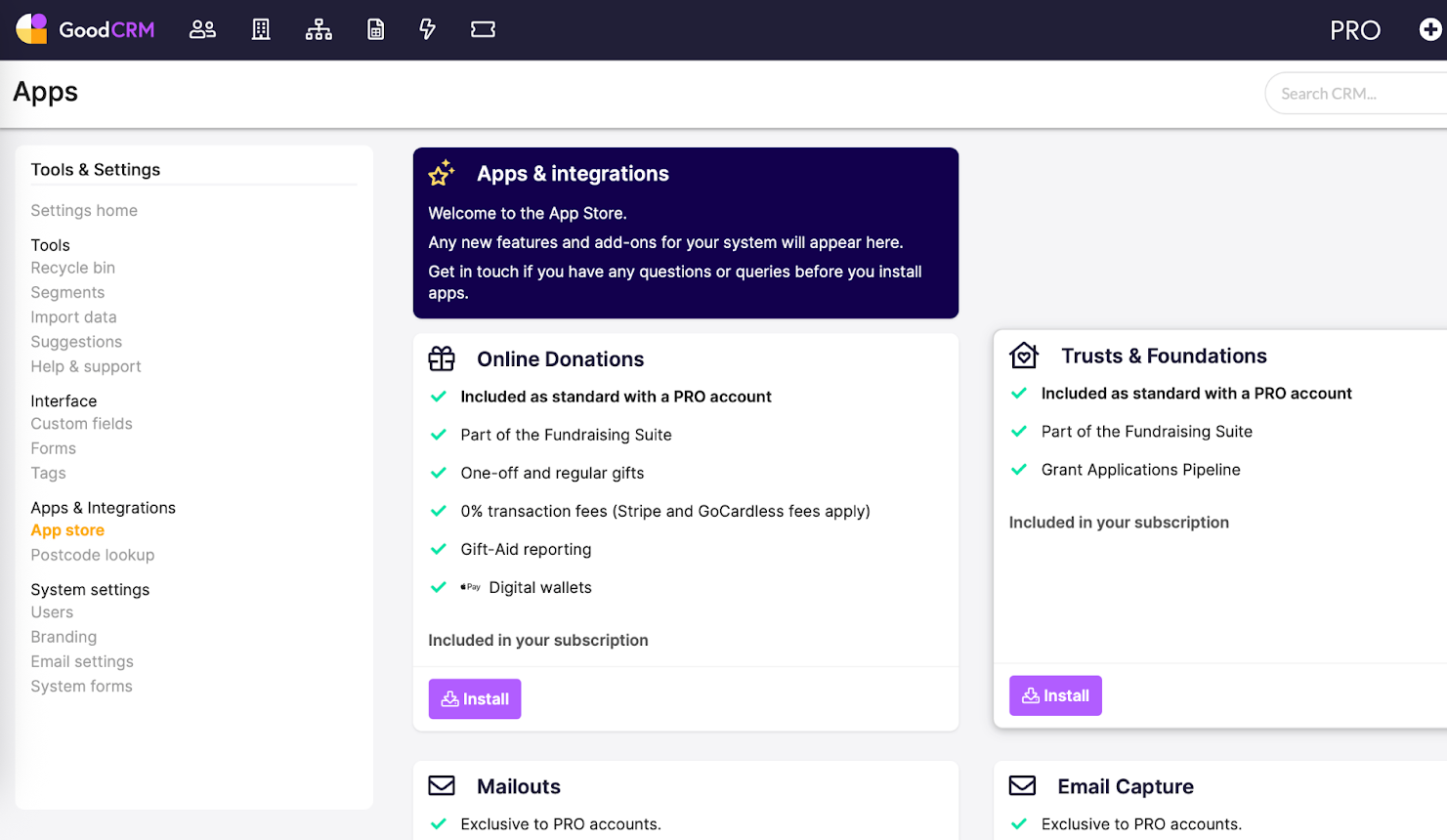
To install the Online Donations feature (for Individual Giving), head to Tools & Settings > App Store. Select Online Donations and click Install, then click Proceed.
Once you’ve installed the feature, you’ll have 4 tasks to complete.
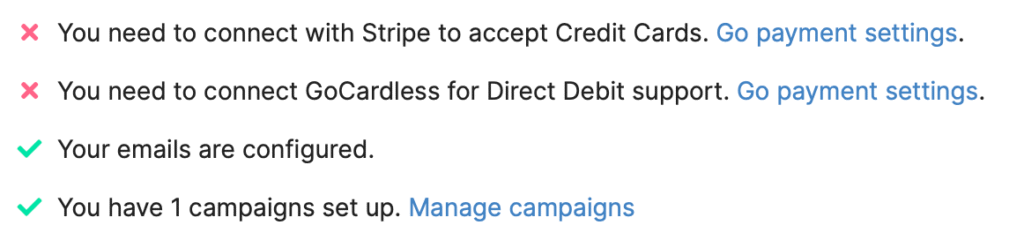
Your email template should already be configured – head back to the Email Settings section of this course if not!
Installing the Trusts & Foundations Pipeline
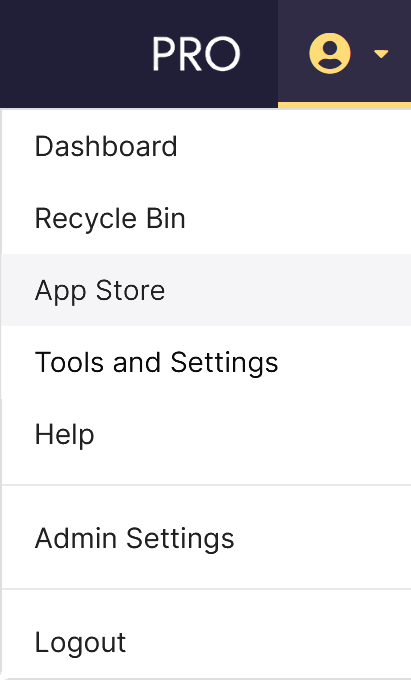
From the top-right menu, head to the App Store
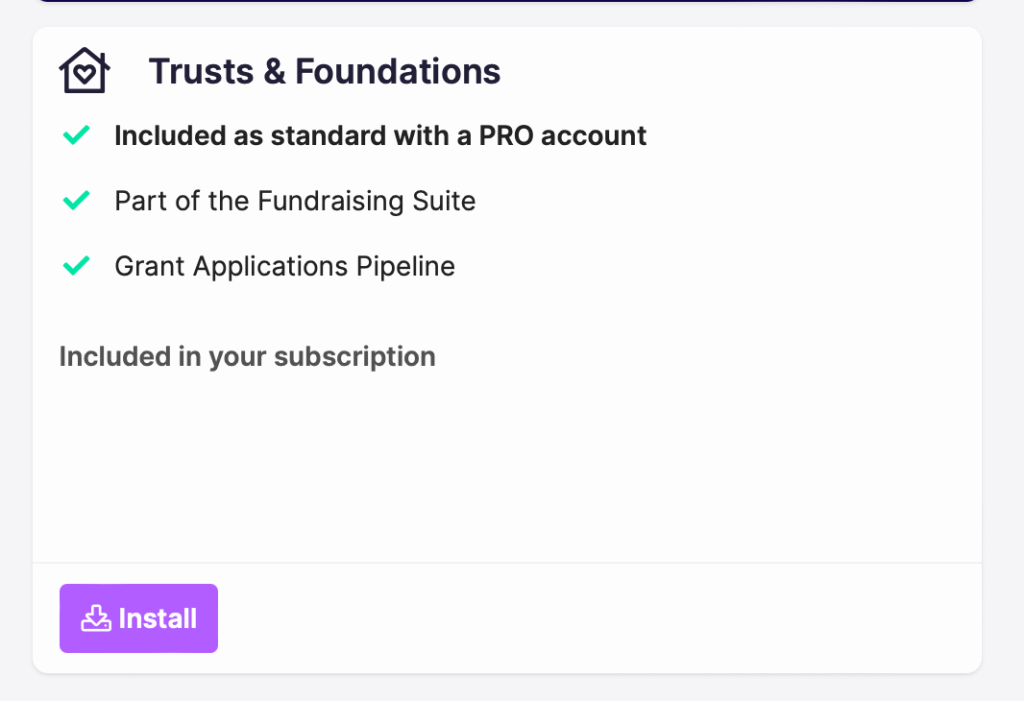
Find the ‘Trusts & Foundations’ add on and click Install.
Trusts & Foundations Settings
Head to Tools & Settings > Trusts & Foundations to amend your settings.
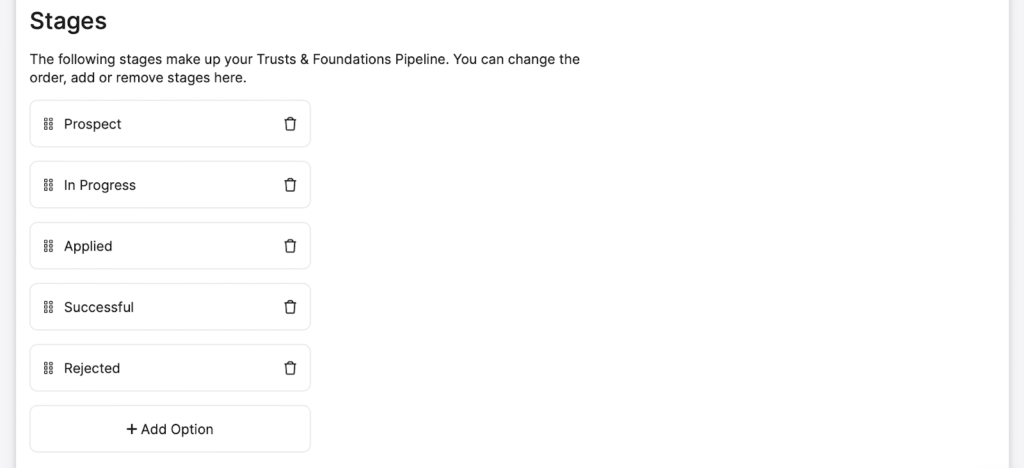
Stages
Your CRM will come pre-configured with some grant statuses, but you may want to edit these. You can drag and drop the options to rearrange how they appear in the pipeline, or add a new stage.
Setting successful and unsuccessful stages
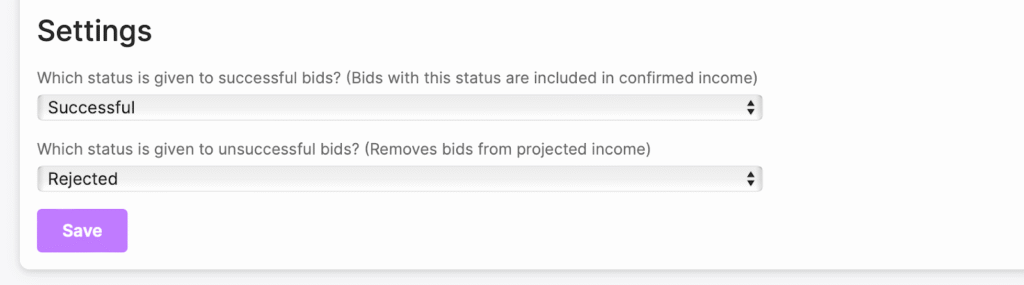
In order for us to calculate how much money you’ve raised for a certain campaign, we’ll need to know which stage you consider an application to be ‘successful‘. Applications with this status will be included in your confirmed income.
We’ll also need to know which stage you consider to be ‘unsuccessful‘, and will remove this application from your projected income.
You can select any of your stages from the dropdown on the settings page.